
Introduction
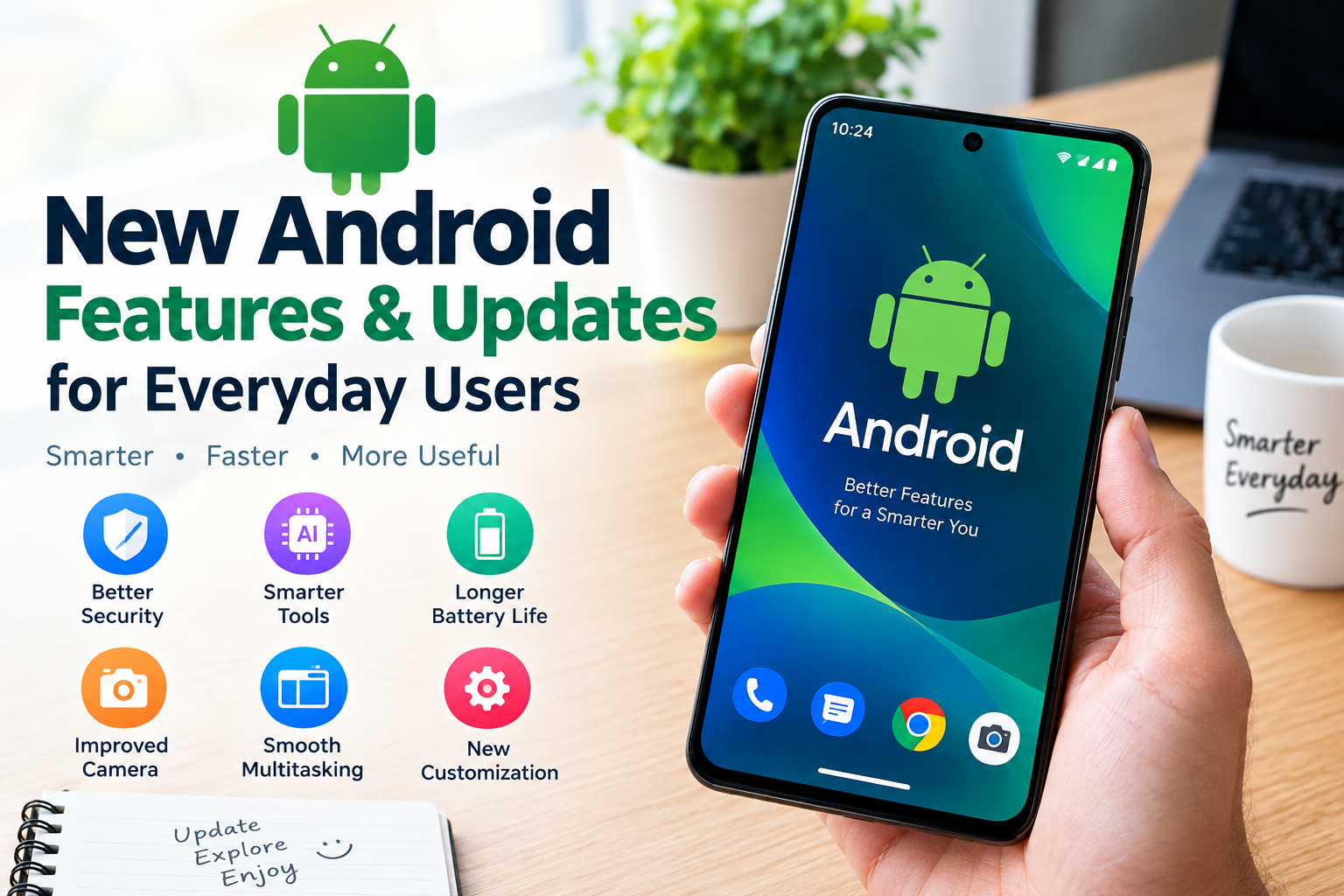
Android smartphones have become an important part of everyday life. I use a smartphone not only to make calls and send messages but also to learn new skills, manage daily tasks, watch videos, take pictures, access online services, and stay connected with friends and family. As smartphone technology continues to improve, Android introduces new features and updates that can make these activities easier and more convenient.
In my opinion, the most useful Android improvements are not necessarily the ones that look impressive at first. Features that protect personal information, extend battery life, simplify communication, and make a phone easier to use can have a much greater impact on everyday users.
The latest Android experience depends on your phone model, manufacturer, software version, and region. Google Pixel phones, Samsung Galaxy devices, and other Android smartphones may receive different features at different times. Some features also require compatible hardware or an internet connection.
In this guide, I will explain the important new Android features and updates that everyday users should understand, how these tools can help in daily life, and how to make better use of an Android phone.
1. Latest Android Software Updates
One of the most important Android improvements is the regular release of software updates. These updates can introduce new features, fix technical problems, improve security, and help compatible phones work more smoothly.
As of October 2026, Android 17 is the latest major Android release announced by Google. It includes improvements for multitasking, security, privacy, and gaming, although availability depends on the device and manufacturer.
blog.google
I believe every Android user should check for software updates regularly instead of ignoring update notifications. However, it is important to install updates from official device settings and make sure the phone has sufficient battery power and storage.
To check for an update, open Settings and look for System Update, Software Update, or a similarly named option. The exact menu can vary between brands.
2. Better Android Security and Privacy Features
Security is one of the most valuable areas of Android development. Many people use their smartphones for online banking, shopping, email, social media, and personal communication. Protecting this information should be a priority.
Newer Android versions include stronger security protections, while supported devices may offer additional tools to identify suspicious applications, protect against scams, and secure a missing phone. Android 17 also introduces improvements to location permissions and protection against repeated PIN guessing.
blog.google
+1
Here are a few practical steps I recommend:
- Use a strong screen lock or PIN.
- Enable fingerprint or face unlocking if your phone supports it.
- Review app permissions regularly.
- Install applications from trusted sources.
- Keep Android and important apps updated.
- Avoid sharing verification codes with unknown callers.
For example, a simple flashlight application should not normally need access to your contacts or microphone. If an app requests permissions that do not match its purpose, review the request carefully before allowing access.
These habits can help everyday users protect their personal information without needing advanced technical knowledge.
3. Smarter AI Features on Android Phones
Artificial intelligence is becoming an important part of the Android experience. AI powered assistants can help users find information, understand written content, summarize information, organize tasks, and complete certain activities more efficiently.
Depending on the phone and available applications, users may be able to ask an assistant to explain a difficult topic, draft a message, suggest a meal plan, or summarize a long piece of text.
Google is also expanding Gemini related capabilities on supported devices, including features designed to help with everyday tasks. However, advanced AI functions may require a compatible phone, an eligible account, an internet connection, or a particular subscription.
blog.google
+1
In my view, AI tools are most useful when they save time on ordinary activities. Students can use them to understand a lesson, office workers can organize ideas, and families can create shopping lists.
However, users should check important information before relying on AI generated answers. Personal passwords, banking details, and confidential documents should not be shared carelessly with digital assistants.
4. Improved Notifications and Daily Convenience
Notifications are another area where Android updates can make a noticeable difference. A phone may receive alerts from messaging applications, email, online shopping services, social media, and many other sources throughout the day.
Android 16 introduced improved notification organization and live updates from compatible applications. For example, supported services can display useful progress information without requiring users to open the application repeatedly.
blog.google
I find this type of feature particularly helpful for people who receive many notifications. Instead of checking every application individually, users can see important information more quickly.
You can also improve your notification experience by turning off unnecessary alerts. Open your phone’s Settings, find Notifications, and review which applications are allowed to send notifications.
Keep alerts for important messages, banking notifications, and useful reminders, while limiting distracting promotional notifications.
This small adjustment can make your Android phone feel less crowded and help you focus on work, study, or family time.
5. Battery Life and Phone Performance Improvements
Battery life remains a major concern for smartphone users. Many people rely on their phones throughout the day, so unexpected battery drain can be frustrating.
Android updates may improve background resource management and overall performance. Android 17 also introduces changes intended to manage memory usage more efficiently, which can benefit supported devices. Actual improvements vary according to hardware, applications, and usage habits.
blog.google
There are several ways to help your phone battery last longer:
- Use Battery Saver when you need extra battery life.
- Reduce screen brightness when appropriate.
- Set a shorter screen timeout.
- Review applications that consume excessive battery power.
- Disable Bluetooth, hotspot, or location access when unnecessary.
- Avoid installing unknown applications that run constantly in the background.
I recommend checking battery usage before deleting applications or changing important settings. Sometimes a frequently used application naturally consumes more power than other apps.
It is also worth remembering that a software update cannot restore the original capacity of an old, worn battery. If your phone has become several years old and battery life has declined significantly, the battery itself may need professional assessment.
6. Better File Sharing Between Devices
Sharing photos, videos, documents, and other files is a common smartphone activity. Android offers Quick Share, which allows compatible devices to exchange files without relying on traditional messaging attachments.
Google announced improvements to Quick Share in 2026, including support for sharing with certain Apple devices through compatible implementations and additional sharing options. Availability depends on the device, software, and supported sharing method.
blog.google
This can be useful when sending family photographs, school assignments, work documents, or large videos.
Before sharing files, I recommend checking the recipient and selecting only the files you intend to send. When using wireless sharing in public places, keep your device discoverability settings under control.
If Quick Share is unavailable or incompatible with another device, you can use a trusted cloud storage service or another secure transfer method.
7. Android Customization and Personalization
One reason I like Android phones is the freedom to personalize the interface. Users can often change wallpapers, widgets, home screen layouts, icon styles, display settings, and notification preferences.
Newer Android features continue to expand these options. Google’s September 2026 Android feature update introduced chat personalization options in Google Messages, including custom backgrounds and themes, while other features vary by device.
blog.google
Customization can make a phone more comfortable to use. For example, you can place your calendar, weather information, or important reminders on the home screen for quick access.
You can also increase text size, enable dark theme where supported, and organize frequently used applications into folders.
My advice is to prioritize convenience rather than installing too many customization applications. Some third party apps request unnecessary permissions or display excessive advertisements. Built in personalization tools are usually a sensible starting point.
8. Multitasking on Android Phones and Tablets
Multitasking is useful for students, professionals, and anyone who regularly switches between applications. Depending on the device, Android offers split screen functionality, floating windows, and other tools that help users work with multiple apps.
Android 17 expands multitasking capabilities with Bubbles, which can turn supported app activities into compact floating windows. Large screen devices can also benefit from improvements designed to make switching between tasks easier.
blog.google
Imagine taking notes while watching an educational video or checking a message while reading a document. These activities can be more convenient when the phone supports an appropriate multitasking layout.
To get started, open the recent apps screen and look for the split screen option if your phone supports it. On tablets, larger displays can provide additional space for working with documents and multiple applications.
Not every Android phone offers identical multitasking options. Older devices may have limited memory or software support, so performance can differ.
9. Camera and Photo Editing Improvements
Smartphone cameras have become essential for capturing family moments, creating social media content, scanning documents, and recording educational videos.
Android camera capabilities depend heavily on the phone’s hardware and manufacturer. Some newer devices offer advanced night photography, portrait effects, high resolution capture, and AI assisted editing tools.
Google has also introduced improved photo editing experiences in supported applications, helping users make adjustments more easily.
blog.google
I recommend learning the camera features already available on your phone before purchasing additional editing applications. Simple techniques such as cleaning the camera lens, using natural lighting, keeping the subject in focus, and avoiding excessive digital zoom can improve many photographs.
After taking a picture, use the built in editing tools to crop unwanted areas, adjust brightness, or improve framing.
AI editing can be useful, but users should be careful when editing photographs used as evidence or in news reporting. Images should not be altered in ways that misrepresent important events.
10. Accessibility Features for Everyday Users
Accessibility features make smartphones easier to use for people with different needs. They can also help anyone who prefers larger text, clearer audio, voice commands, or simplified interactions.
Android provides accessibility tools such as screen readers, magnification, captions, display adjustments, and hearing related settings. The exact selection depends on the software version and device.
Recent Android developments also include AI assisted visual guidance features designed to help people with blindness or low vision understand objects and text around them on supported devices.
blog.google
In my opinion, accessibility should not be considered useful only for people with disabilities. Larger text can reduce eye strain for some users, while captions can make videos easier to follow in noisy environments.
To explore these options, open Settings and search for Accessibility. Review the available tools and activate only those that meet your needs.
11. How to Get the Latest Android Features
Getting new Android features does not always require purchasing a new phone. Some improvements arrive through operating system updates, while others are delivered through Google Play system updates or individual app updates.
I recommend following these steps:
- Open Settings and check for available software updates.
- Connect to a reliable WiFi network before downloading large updates.
- Back up important files before a major system upgrade.
- Open Google Play Store and update your applications.
- Review security and privacy settings after an update.
- Check the manufacturer’s official support information for your model.
If a feature is missing, it does not automatically mean something is wrong with your phone. It may require newer hardware, a newer operating system, a compatible application, or a gradual regional rollout.
Avoid unofficial system files and suspicious update websites. They may expose your device to malware or cause software problems.
12. Are New Android Updates Worth Installing?
In most cases, installing official updates is worthwhile because they can improve security, correct software bugs, and introduce useful features.
However, I recommend checking the update information before installing a major release. Make sure your device has enough free storage, back up important data, and allow sufficient time for the installation.
If your phone is older, some advanced features may not be available. That does not mean you need to replace it immediately. A well maintained phone with current security support can remain useful for ordinary activities such as calls, messaging, browsing, and learning.
For anyone planning to buy a new Android phone, I suggest comparing the manufacturer’s update policy, battery capacity, available storage, camera quality, and performance rather than focusing only on the newest features.
Conclusion
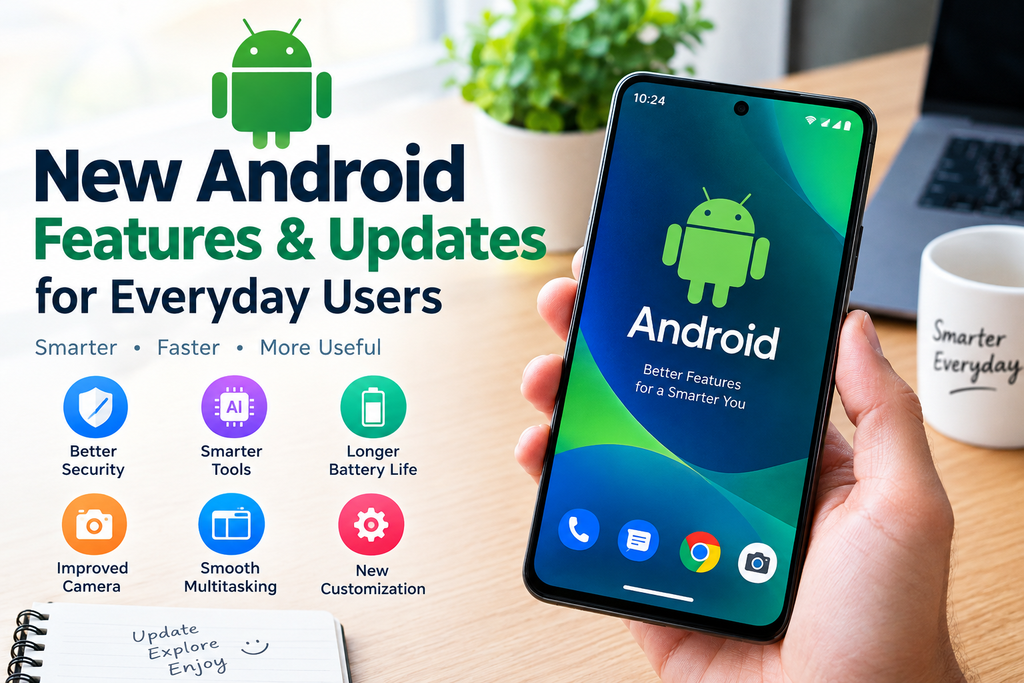
New Android features and updates are making smartphones more useful for everyday activities. From improved security and smarter AI tools to better notifications, easier file sharing, customization, and multitasking, these developments can help users get more value from their devices.
In my opinion, the best approach is to focus on the features that solve real problems in daily life. Keep your phone updated, review app permissions, manage battery usage, and learn the tools that are already available on your device.
You do not need to use every new feature to enjoy the benefits of Android. Even a few simple improvements can make your smartphone safer, more convenient, and easier to manage.
As Android continues to evolve, staying informed about official updates can help you make better decisions about your phone and enjoy its capabilities without unnecessary expense.
Frequently Asked Questions
What are the latest Android features for everyday users?
Newer Android releases offer improvements in security, multitasking, notifications, privacy, customization, and AI assistance. The features available depend on your phone model and software version.
How can I update my Android phone?
Open Settings and look for Software Update or System Update. Follow the instructions provided by your device manufacturer.
Do Android updates improve battery life?
Some updates improve background resource management and performance, but battery results vary. Battery age and application usage also affect battery life.
Can older Android phones receive new features?
Some features arrive through application updates and may work on older phones. Others require newer hardware or a supported Android version.
Are Android software updates safe?
Official updates from your device manufacturer are generally recommended because they can provide security fixes and bug corrections. Back up important information before major updates.


